
Screen shots
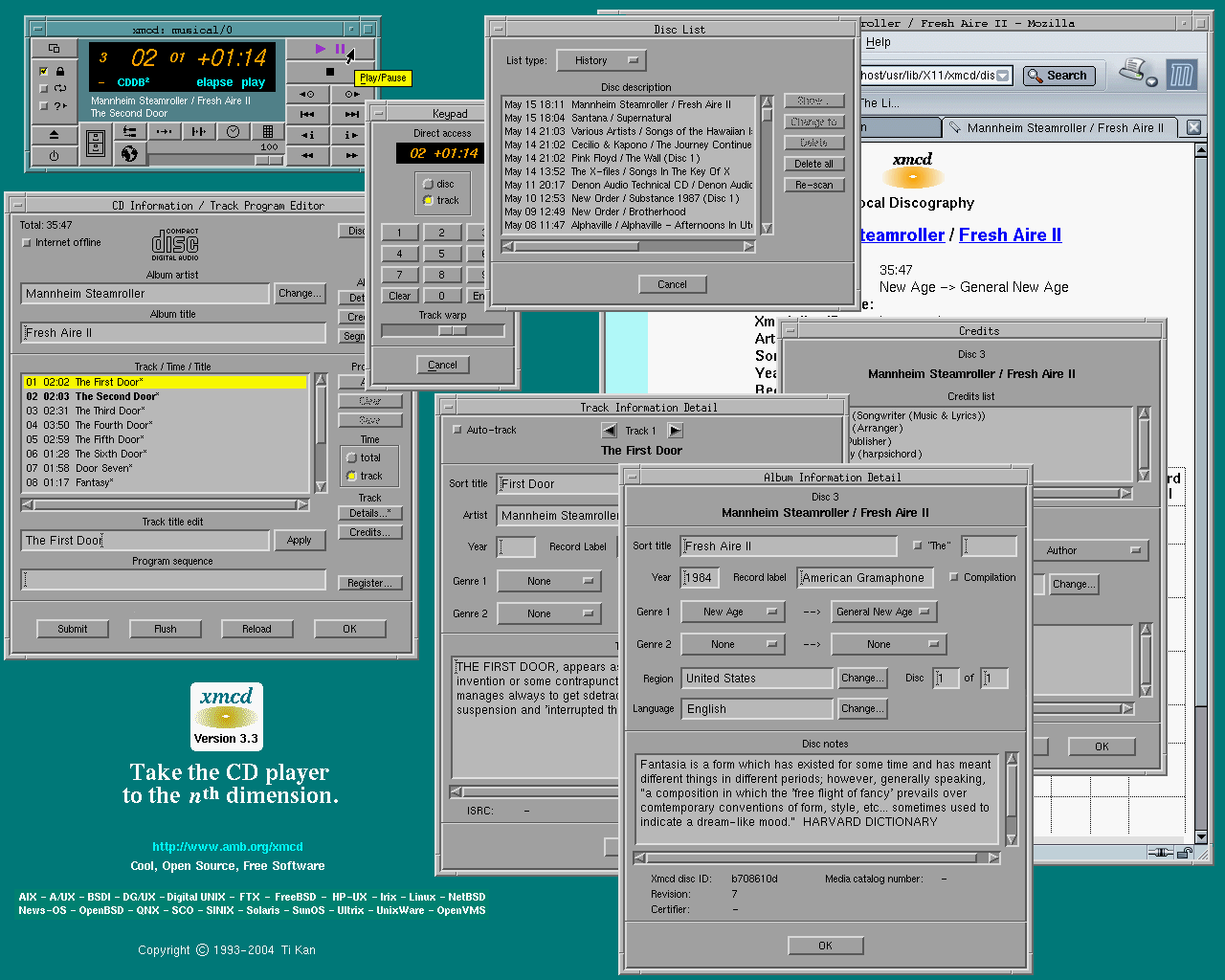
The "look" of xmcd is immensely configurable. As released, xmcd delivers a classic, elegant appearance, and is frugal with its use of colors so that it may be used on an 8-bitplane display (with limited number of colormap entries). Click the image below to see the full size version.
The following shows a highly-customized xmcd. The colors, fonts, pushbutton appearance, and some label text have all been altered. This demonstrates the flexibility of the use of resources in an Motif and X Toolkit Intrinsics based application, such that the concept of "skins" and "themes" can be easily achieved. Click the image below to see the full size version.
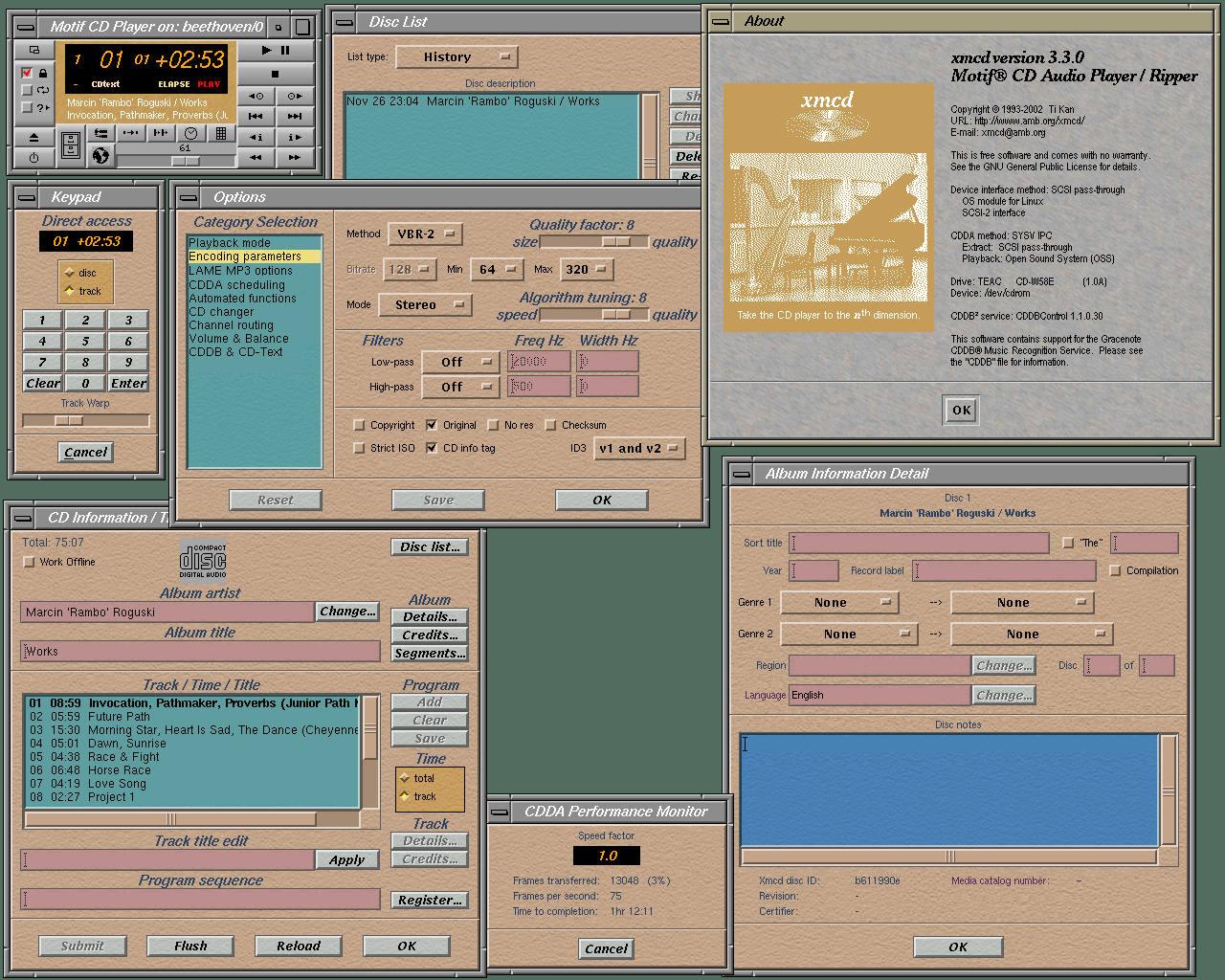
If you would like to duplicate this appearance (or use this as a starting
point to making your own customized look), click the download button below
to get the resource file and pixmaps, and use the instructions below to
install on your system.
Note: This configuration is color-intensive. It should be used
on a 16-bitplane ("high-color") or better display.
 |
rambo_xmcd.tar.gz |
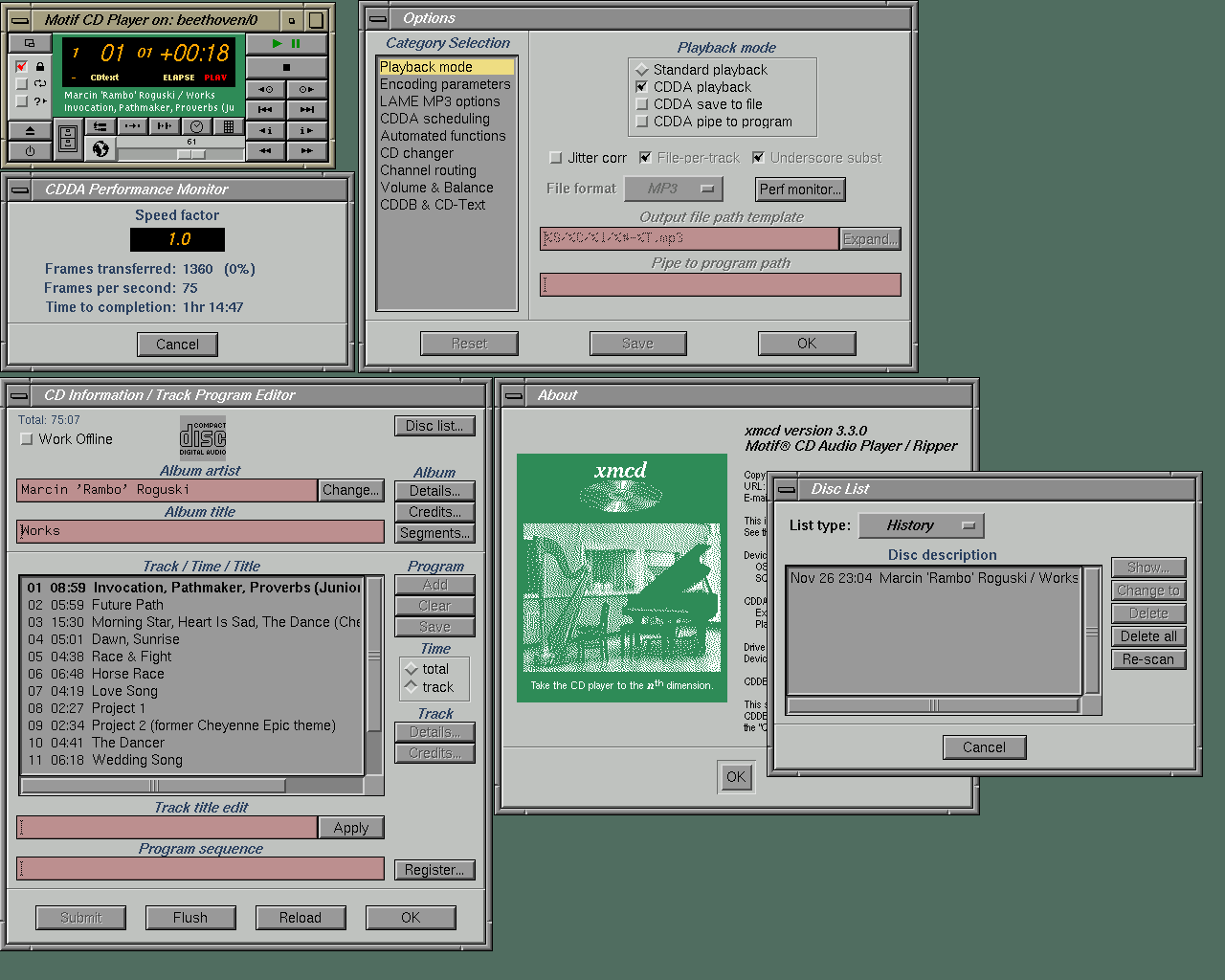
The following customized xmcd appearance mimicks the "SGI look".
|
alt_xmcd.tar.gz |
The example customized xmcd configurations are contributed by Marcin 'Rambo' Roguski. Many thanks to Marcin.